
Can Your Motorcycle Handle Heated Gear and USB Accessories? A Charging-System Load Reality Check
Learn how to assess heated gear and USB accessory demand without assuming an open connector can support unlimited load or avoid battery drain.
Fact-checked against cited official documentation
Reviewed against Fact-checked against Harley-Davidson owner and accessory documentation covering charging-system overload, model-specific accessory connections, battery drain, fuse protection, and wiring clearance..
Last updated September 23, 2026
The short answer: an open connector is not a blank check
Heated clothing, a phone charger, a GPS mount, auxiliary lighting, and other add-ons can be useful—but a motorcycle electrical connector does not prove that the bike can safely support every accessory you can plug into it.
The limit is model-specific. Harley-Davidson owner documentation warns that accessories can overload a charging system when their combined demand exceeds what the system produces; the result can be a discharged battery and electrical-system damage. Its documentation also directs riders toward suitable accessories and model-specific guidance rather than assuming all connectors and circuits are interchangeable. [1]2
Treat the question as a compatibility check, not a shopping-list calculation: Can this motorcycle support these particular accessories together, in the way you actually ride?
Start with the motorcycle manual, not the connector
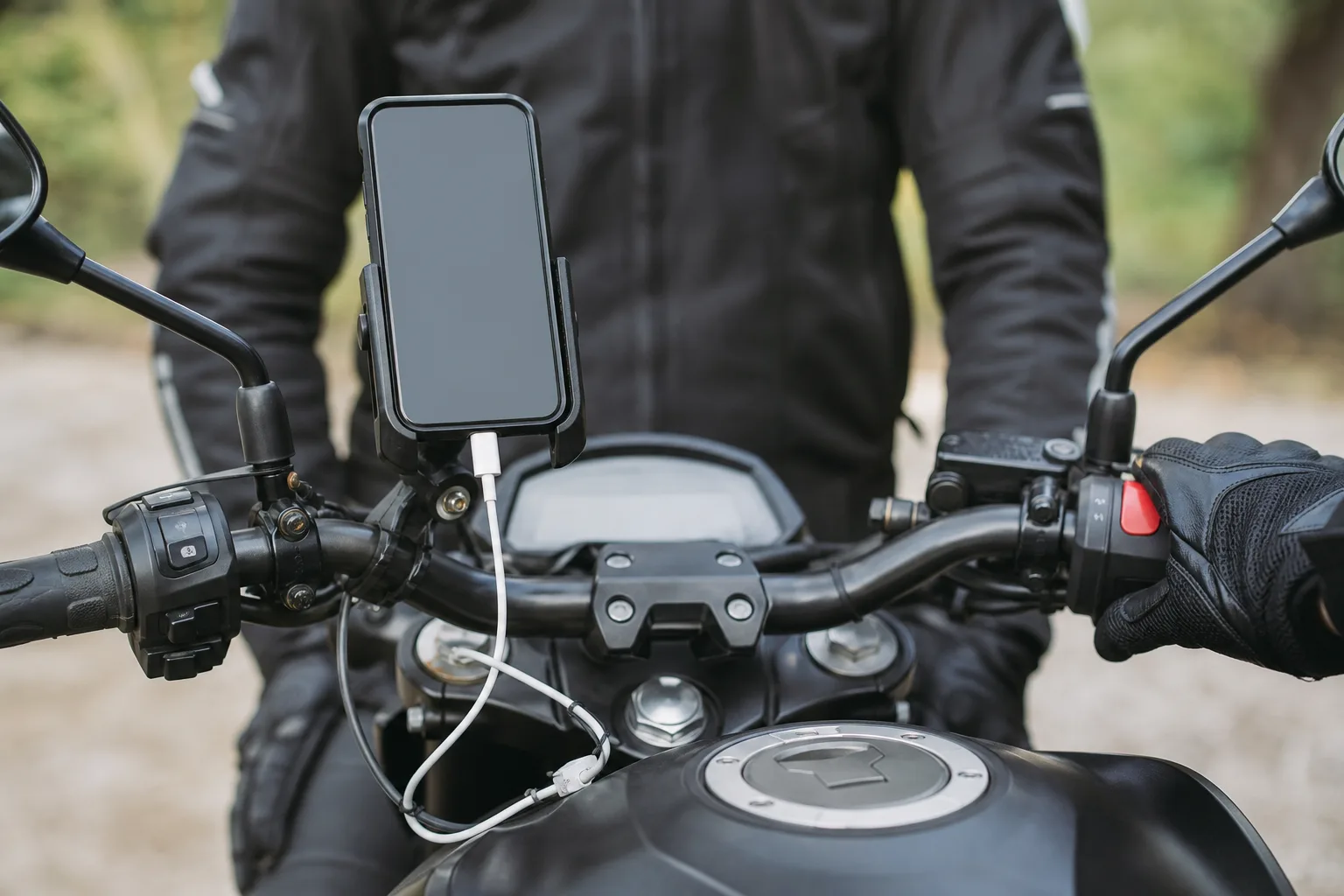
Before adding electrical equipment, check the owner’s manual and any manufacturer accessory documentation for your exact year and model. Look for:
- Approved accessory connectors or power outlets
- Any stated connector, switch, circuit, fuse, or accessory-load limits
- Approved heated gear, charging adapters, or harnesses
- Warnings about battery discharge or accessory use with the engine off
- Instructions to use an authorized dealer for accessory selection or installation
A switched USB outlet may reduce the chance that a device remains powered after shutdown, but it does not establish that every combination of accessories is within the charging system’s available capacity. Likewise, a battery-connected lead may be useful for a manufacturer-approved purpose while still needing careful control of what is attached to it.
| Accessory situation | What to verify first | Conservative decision |
|---|---|---|
| Heated jacket, gloves, pants, or socks | The item’s stated electrical demand and the motorcycle’s approved accessory guidance | Do not assume multiple heated items are compatible together without model-specific confirmation. |
| USB phone charging | Outlet or adapter approval, circuit protection, and whether it stays live with the ignition off | Disconnect unneeded devices when parked and avoid treating a USB port as unlimited power. |
| Several accessories at once | The combined stated demand, applicable circuit limit, and charging-system guidance | Reduce the load or seek dealer advice if the manual does not clearly support the combination. |
| A fuse opens after an accessory is used | The owner’s manual and the accessory’s compatibility | Stop adding load; do not bypass protection or substitute a higher-rated fuse. |
| Wiring near steering, suspension, wheels, or hot components | Manufacturer-approved routing and installation guidance | Have a qualified technician assess it if routing or retention is uncertain. |
Why heated gear changes the conversation
A single low-demand device may be easy to accommodate. Heated gear is different because it is intended to create heat and may be used continuously in cold conditions—often at the same time as navigation, communications, and charging equipment.
That makes the relevant number the combined demand of everything operating together, not whether each item works on its own. Harley-Davidson’s guidance specifically warns about combined accessory current exceeding charging-system output. 1
Avoid relying on a universal “safe wattage” figure from another rider, brand, or model. Motorcycle charging systems, electrical equipment, connector arrangements, and approved accessory options vary. A capacity figure that is acceptable on one machine cannot be safely transferred to another without documentation.
If your manual does not give a clear answer, an authorized dealer is the appropriate next step—especially before relying on heated gear for a long cold-weather ride.
Battery drain can happen even before you ride
Accessory use with the engine off deserves its own decision. Harley-Davidson owner documentation warns that extended accessory use without the engine running can discharge the battery; it also notes that excessive current can cause an accessory fuse to open. 3
Practical implications:
- Do not leave a phone, pump, heated item, camera, or other device connected merely because the connector is available.
- Do not assume an accessory is off just because its screen is dark or its indicator is unlit.
- If an accessory circuit is battery-powered rather than ignition-switched, be especially deliberate about disconnecting devices when parked.
- A repeated no-start condition after accessory use is a reason to pause accessory use and consult your model documentation or a qualified technician—not to keep trying larger fuses or improvised wiring changes.
For broader ownership habits, see the Motorcycle Maintenance Guide.
Fuse behavior is a warning, not an inconvenience
A fuse is part of the circuit’s protection strategy. If it opens after accessory use, treat that as a stop sign: the circuit may be carrying more current than intended, there may be an accessory fault, or the equipment may not be compatible with that circuit.
Harley-Davidson accessory documentation warns riders not to exceed the amperage rating of the fuse or circuit breaker protecting a circuit being modified. 2
Do not bypass a fuse, fit a higher-rated replacement, or keep reconnecting the same load in hopes that it will hold. Those choices can remove the protection that helps limit electrical failures. Instead, return to the motorcycle and accessory instructions, then arrange professional assessment where compatibility is unclear.
Routing matters as much as the accessory rating
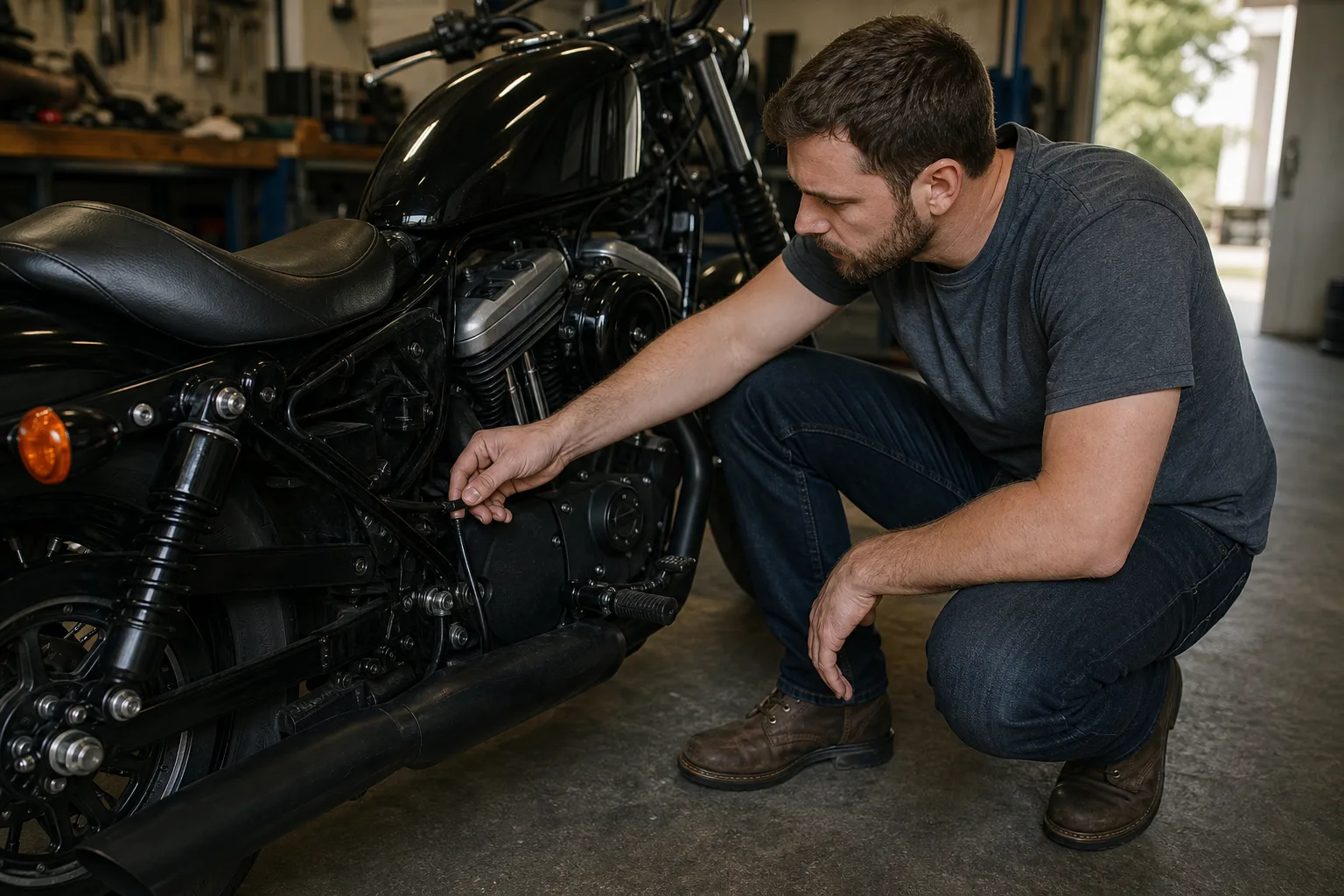
A theoretically compatible accessory can still create risk if its lead is pinched, chafed, pulled tight at full steering lock, routed near heat, or left loose around moving parts. Harley-Davidson accessory instructions caution that wiring should be kept clear of sharp edges and moving parts to reduce the risk of damage and short circuits. 2
You do not need to perform an installation to recognize a concern. Before riding, visually check that added cables are secure, undamaged, and not interfering with controls, steering, suspension movement, brakes, wheels, or the rider’s ability to operate the motorcycle. If anything looks questionable, do not ride until it is reviewed by a qualified technician.
A manufacturer-first accessory load checklist
Use this checklist before making heated gear and USB accessories part of your normal setup:
- Identify the motorcycle by exact model year and version.
- Read the owner’s manual sections covering electrical accessories, outlets/connectors, fuses, and battery use.
- Use only accessory equipment that the manufacturer documents as suitable, or get dealer confirmation for the intended combination.
- List every device likely to run at the same time, including heated gear and charging devices.
- Confirm whether each connection is switched or can remain live with the motorcycle off.
- Check the stated demand of each accessory against the applicable manufacturer guidance; do not invent a universal reserve number.
- Stop if a fuse opens, the battery repeatedly loses charge, or added wiring appears damaged, loose, pinched, or poorly routed.
- Ask an authorized dealer or qualified motorcycle technician before modifying wiring, protection, or connectors.
Verify the Installation Under Real Conditions
After an approved installation, verify operation with the motorcycle stationary and configured as the manufacturer directs. Check that controls, steering, suspension movement, heat sources, and removable bodywork do not pinch, pull, or rub the wiring. Confirm fuse protection and connector retention before relying on the accessory during a ride.
Then test the actual use case conservatively: normal riding speed, expected accessory combination, and the lowest-demand setting first. Watch for warning messages, flicker, repeated fuse operation, hot connectors, starting difficulty, or a battery state that worsens after ordinary use. Stop and investigate rather than increasing fuse size or bypassing protection.
Record each accessory’s documented demand, connection point, fuse, installation date, and the combinations that were tested. When a new accessory is added, recalculate the plan instead of assuming previous spare capacity still exists. This record gives a technician a usable map when charging or battery symptoms appear.
When troubleshooting later, disconnect or isolate accessories only according to their instructions and preserve the original configuration. Changing several connections at once can make an intermittent fault harder to reproduce and may introduce a second problem.
After removal, restore unused connectors, caps, and weather protection exactly as specified. An abandoned lead or open connector can create a later moisture, short-circuit, or routing problem even though the accessory is gone.
How Vojo Helps
Create a garage entry for your motorcycle in Vojo, then log each electrical add-on—such as a heated jacket controller or USB adapter—in its notes and attach the relevant manual page or dealer recommendation. Before a cold-weather trip, review that record alongside your pre-ride plan in the Motorcycle Maintenance Tracker so you can confirm what is connected, flag any battery-drain event, and record a fuse or charging concern for professional follow-up.
Quick answers
Frequently asked questions
Can I run heated gear and charge my phone at the same time?
Possibly, but only if your exact motorcycle’s documentation supports the combined accessory demand. An available connector or USB port alone is not proof that the combination is within the charging system’s capacity.
Will a switched USB port prevent motorcycle battery drain?
It may help by turning off with the ignition, but you should verify how your specific outlet operates. It also does not resolve an excessive accessory load while the motorcycle is running.
What does it mean if my accessory fuse blows?
Treat it as a warning that the circuit may be overloaded, the accessory may have a problem, or the setup may be unsuitable for that circuit. Do not bypass the fuse or fit a higher-rated one.
Can I use a universal accessory-load number from the internet?
No. Electrical capacity and approved connectors vary by model and equipment. Use your own manual and manufacturer or dealer guidance instead of another motorcycle’s claimed spare capacity.
Should I leave heated gear plugged in when the motorcycle is parked?
No. Disconnect unnecessary equipment when parked, especially if the connection may remain live. Manufacturer documentation warns that extended accessory use with the engine off can discharge the battery.